In the pantheon of 2024's legendary releases, Black Myth: Wukong stands as a colossal titan, a game that not only shattered sales records but also achieved mind-boggling concurrent player counts on Steam. Its triumph sent a seismic shockwave through the Western gaming industry, serving as a stark, undeniable lesson: give the players what they crave! Yet, even the mightiest legends have their chinks in the armor. As countless brave warriors embarked on their journey to the West, a sinister foe emerged not from the game's lore, but from their very PCs—the dreaded 'Out of Video Memory' error. This digital demon has locked many a player out of the adventure, leaving them staring at a crash screen instead of battling celestial beings. But fear not, for this guide is your sacred scripture, your ultimate weapon to banish this error into oblivion and reclaim your rightful place in this masterpiece!
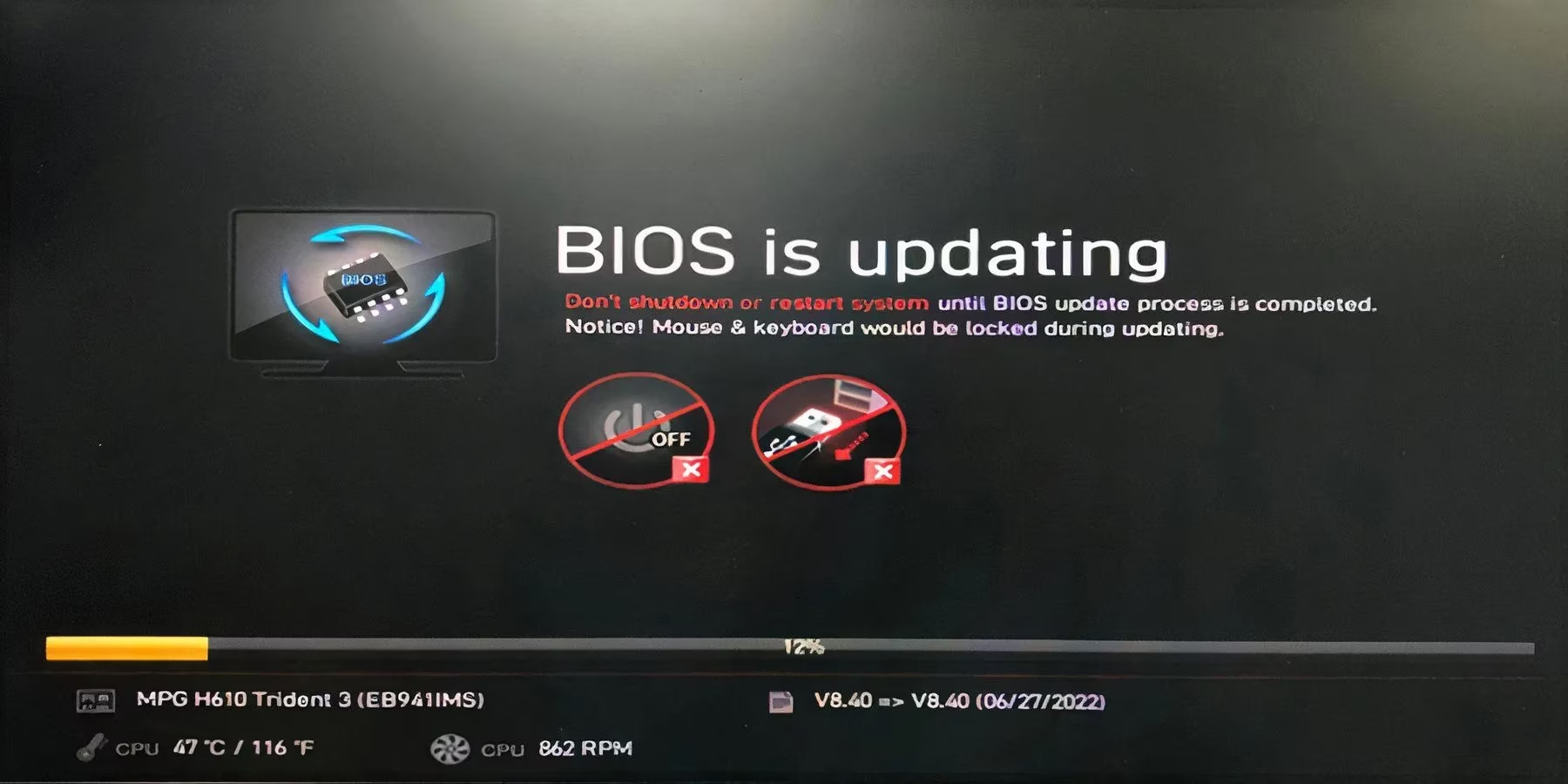
So, you've tried the basic incantations: lowering the resolution to a blurry mess, closing every app until your desktop is a barren wasteland, all in a desperate bid to free up resources. And still, the error persists? It's time to move beyond mere peasant solutions and invoke the ancient, powerful magics of system tuning. Updating your motherboard's BIOS is your first true trial. While the very thought might make a novice tremble, it's a rite of passage for the modern PC warrior. Why is this so crucial, you ask? Because the great sage Intel themselves descended with a specific blessing: the microcode 0x129 update, a patch crafted with the sole purpose of slaying the Out of Video Memory dragon in Black Myth: Wukong. Ignoring this update is like facing the Buddha with a wooden stick!
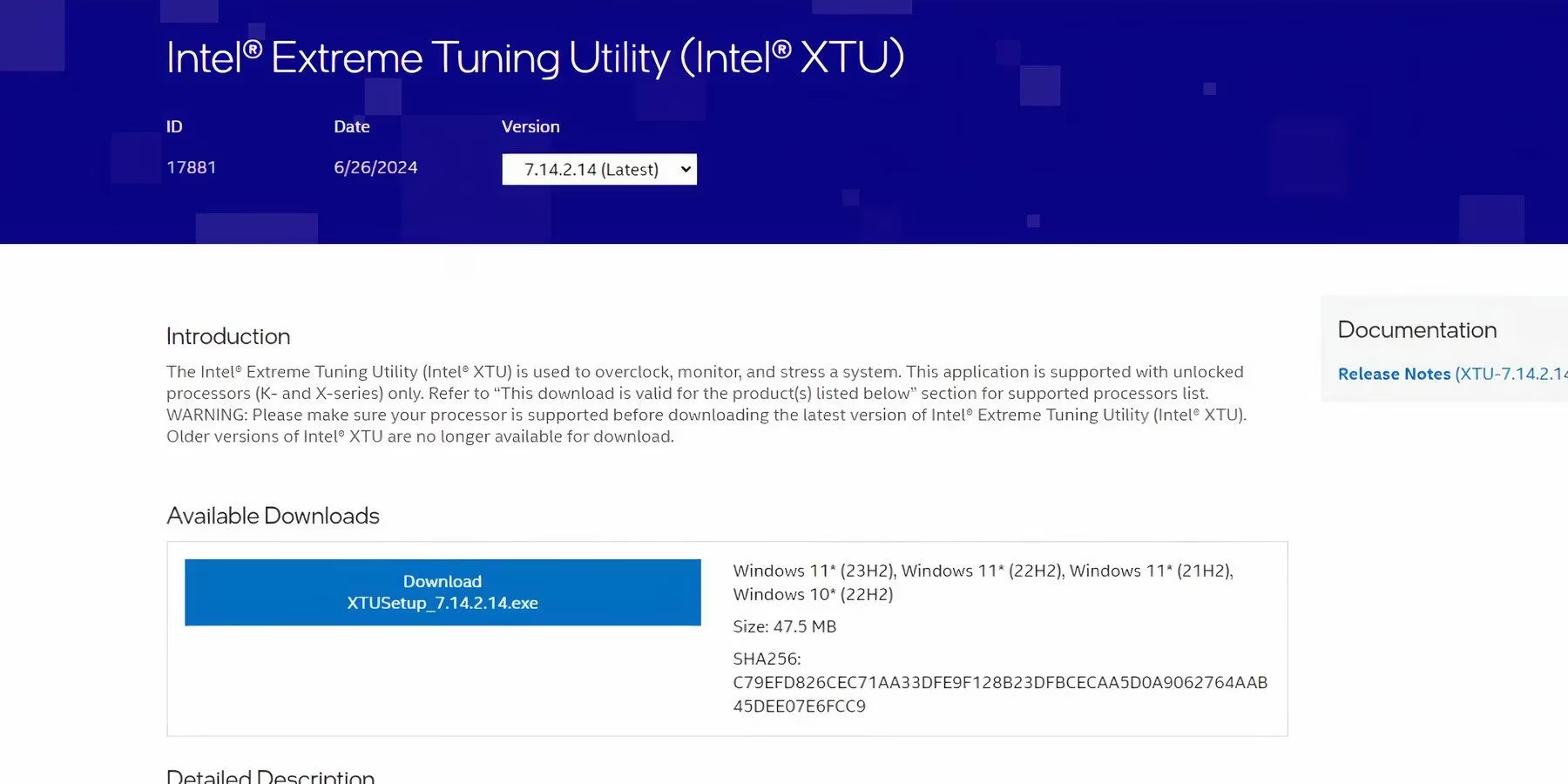
What if, after performing the BIOS ritual, the specter of the error still haunts you? Do you surrender? Never! Your next gambit lies in taming the very heart of your machine—the CPU. For those wielding Intel's powerful cores, adjusting the Performance Core Ratios through the arcane Intel Extreme Tuning Utility can work wonders. The process is simpler than deciphering a heavenly scroll:
-
Summon the Tool: Install and run Intel's Extreme Tuning Utility.
-
Channel the Power: Under 'Basic Tuning,' you shall command the Performance Core Ratio. Dial it down to a more stable frequency—55x, 54x, 53x, or even 52x.
-
Seal the Pact: Hit 'Apply' and let the utility run in the background, a constant guardian against instability.
Now, prepare for a solution so bizarre it might seem like a paradox worthy of the Dao itself. What if the key to unlocking your GPU's full potential was... to tell your system to use less power? 🤯 Astonishingly, numerous pilgrims have reported that simply changing the Windows Power Plan to 'Power Saver' or 'Balanced' has exorcised the error. It seems the 'High Performance' plan, in its zealous fervor, sometimes causes more chaos than order. To enact this counterintuitive fix:
-
Open the Windows search and chant 'Edit Power Plan.'
-
Select the first result to enter the Power Options sanctum.
-
Forsake 'High Performance' and pledge allegiance to either 'Balanced' or 'Power Saver.'
But wait, the plot thickens! Could the very foundation of the game's graphical prowess be its Achilles' heel? Many sages speculate that the marriage between Unreal Engine 5 and DirectX 12 still has some turbulent honeymoon kinks. The solution? A temporal retreat to the older, more stable DirectX 11. Here is how you command the game to use this older, wiser API:
For the Steam Disciples:
| Step | Action |
|---|---|
| 1 | Open your Steam client. |
| 2 | Find Black Myth: Wukong in your library, right-click, and select 'Properties.' |
| 3 | In the 'General' tab, find the 'Launch Options' field. |
| 4 | Type the sacred command: -dx11 |
| 5 | Save and launch your game anew! |
For the Epic Games Acolytes:
-
Open the Epic Games Launcher.
-
Click on your profile icon in the top-right corner.
-
Navigate to 'Settings.'
-
Scroll down to find Black Myth: Wukong in your library list.
-
Expand its menu and check the box for 'Additional Command Line Arguments.'
-
Enter the same command:
-dx11.

Let's address a cardinal sin of the PC gaming world: driver negligence. When a game of this magnitude descends upon the world, the great forges of NVIDIA and AMD work overtime, hammering out driver updates specifically to ensure compatibility and stability. Updating your GPU drivers is not a suggestion; it is a commandment! These updates often contain explicit fixes for notorious errors like the one plaguing your journey. Visit your GPU manufacturer's temple (website), identify your graphical idol (GPU model), and download the latest blessings.
Finally, consider this: what if the game's very essence has been corrupted during its download from the digital heavens? Corrupted or missing files are a classic culprit for all manner of gaming maladies. Verifying the integrity of your game files is a cleansing ritual every player should know.
Through Steam:
- Right-click Black Myth: Wukong in your Steam Library > 'Properties' > 'Installed Files' > 'Verify integrity of game files.'
Through the Epic Games Launcher:
- Find the game in your library, click the three dots (
...) next to it, select 'Manage,' and then click 'Verify.'
Armed with this arsenal of fixes—from BIOS updates and CPU tuning to power plan shifts, API changes, driver updates, and file verification—you are now prepared. The Out of Video Memory error is not an insurmountable wall; it is merely a final test before the real adventure begins. Go forth, champion. Your epic awaits, and no technical demon shall stand in your way! 🐒✨